The charger indicates that my battery is fully charged but I was just using it and it depleted. Why isn’t it charging?
Putting a battery that was just in use onto the charger often results in a false full charge signal. Remove the battery from the charger and allow it to rest in a room temperature area for approximately 10-15 minutes before charging.
My charger is flashing red when I engage my battery. Why is this happening?
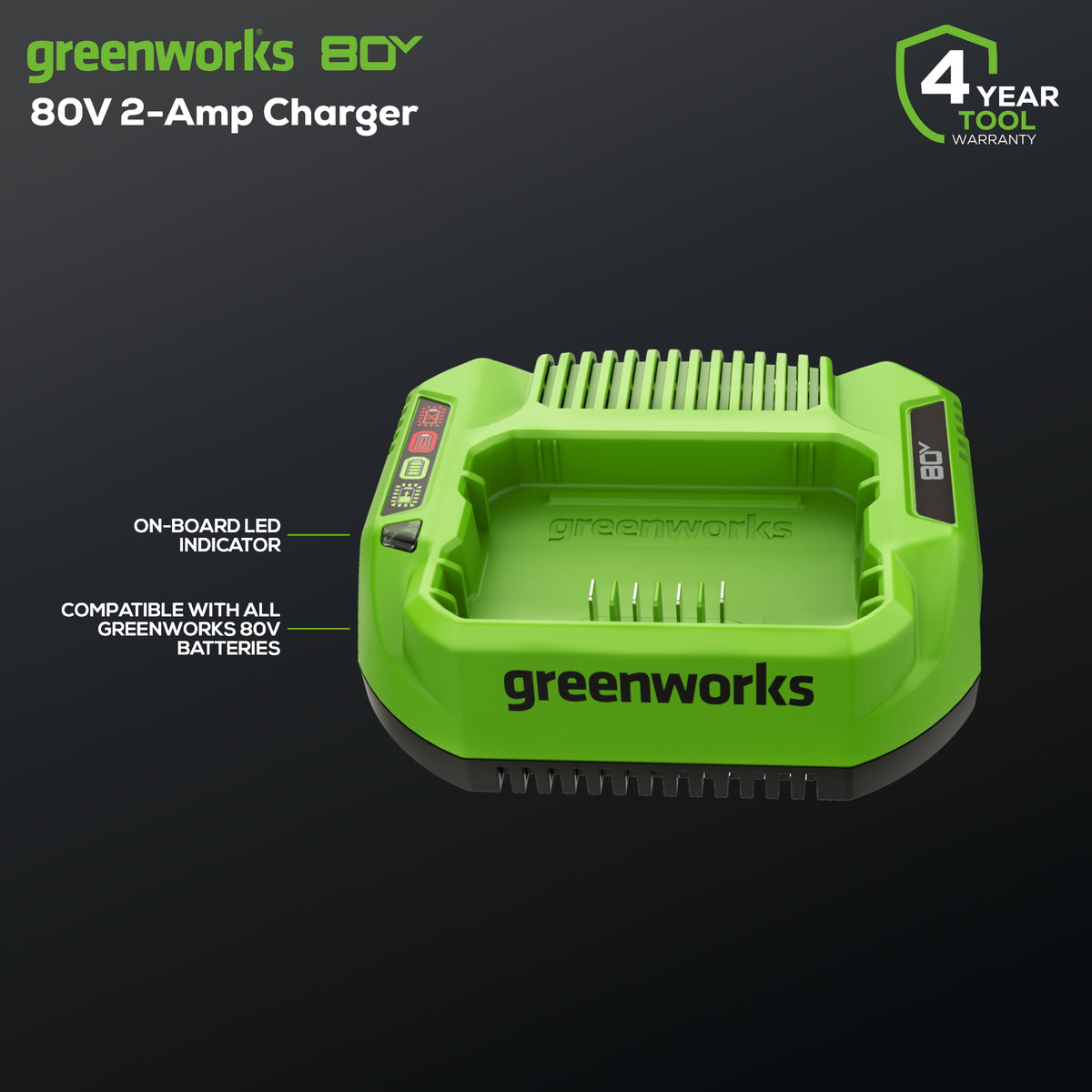
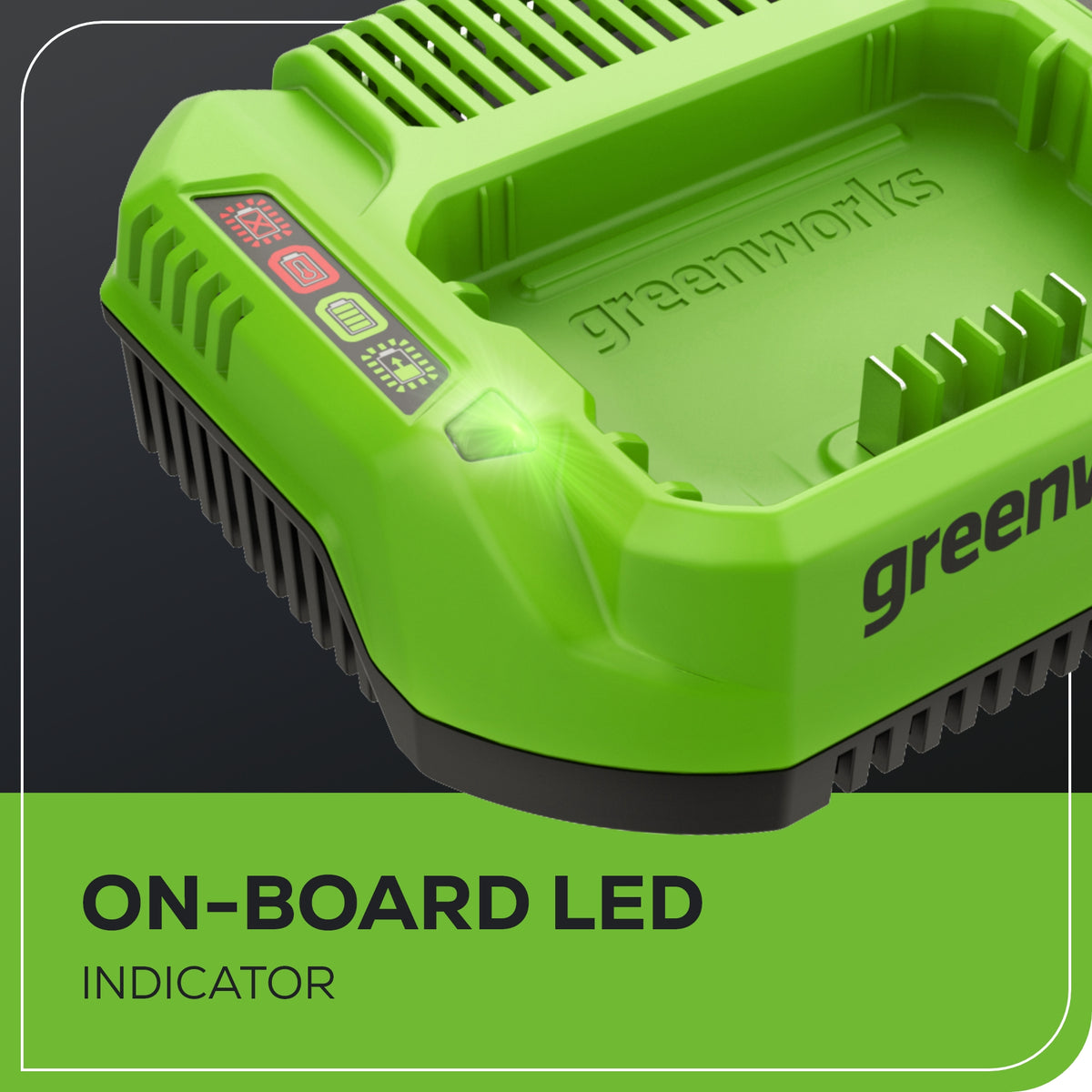
When the battery is inserted into the charger and the status LED blinks red, remove the battery from the charger for 1 minute, then reinsert. If the status LED blinks green, then the battery is properly charging. If the status LED is still blinking red, remove the battery and unplug the charger for 1 minute. After 1 minute, plug in the charger and reinsert the battery. If the status LED blinks green, then the battery is properly charging. If the status LED is still blinking red, then this likely indicates an issue with the battery or charger and should be taken care of either with our warranty team or by means of replacement.
My charger has a solid red light on it when I engage my battery. What is happening?
This typically indicates that the battery is at the wrong temperature to be charged. Allow the battery and charger to rest indoors at room temperature until they are no longer hot/cold and attempt charging again.
Are your chargers made for 220V or 120V outlets?
Greenworks chargers sold in the USA and Canada are designed for use on 120V outlets only.
About Greenworks
For over 20 years, Greenworks has pioneered battery-powered tools that replace gas
with cleaner, quieter, smarter performance—trusted by homeowners and
professionals across 500+ products worldwide.
The charger indicates that my battery is fully charged but I was just using it and it depleted. Why isn’t it charging?
Putting a battery that was just in use onto the charger often results in a false full charge signal. Remove the battery from the charger and allow it to rest in a room temperature area for approximately 10-15 minutes before charging.
My charger is flashing red when I engage my battery. Why is this happening?
When the battery is inserted into the charger and the status LED blinks red, remove the battery from the charger for 1 minute, then reinsert. If the status LED blinks green, then the battery is properly charging. If the status LED is still blinking red, remove the battery and unplug the charger for 1 minute. After 1 minute, plug in the charger and reinsert the battery. If the status LED blinks green, then the battery is properly charging. If the status LED is still blinking red, then this likely indicates an issue with the battery or charger and should be taken care of either with our warranty team or by means of replacement.
My charger has a solid red light on it when I engage my battery. What is happening?
This typically indicates that the battery is at the wrong temperature to be charged. Allow the battery and charger to rest indoors at room temperature until they are no longer hot/cold and attempt charging again.
Are your chargers made for 220V or 120V outlets?
Greenworks chargers sold in the USA and Canada are designed for use on 120V outlets only.
About Greenworks
For over 20 years, Greenworks has pioneered battery-powered tools that replace gas
with cleaner, quieter, smarter performance—trusted by homeowners and
professionals across 500+ products worldwide.
Disclaimer: Responses are generated by AI and may be inaccurate. Chats may be monitored, recorded, and stored by us and our vendors. By using this service, you agree to our Terms of Service and acknowledge our Privacy Policy.








 View More


